You don’t need to spend thousands of dollars on software to create stunning designs. In 2025, some of the best design tools in the world are completely free — and professional designers use them every day.
The Best Free Tools for Graphic Designers in 2025
Tested and used by real designers — zero cost, maximum output.
Design & Illustration
🎨
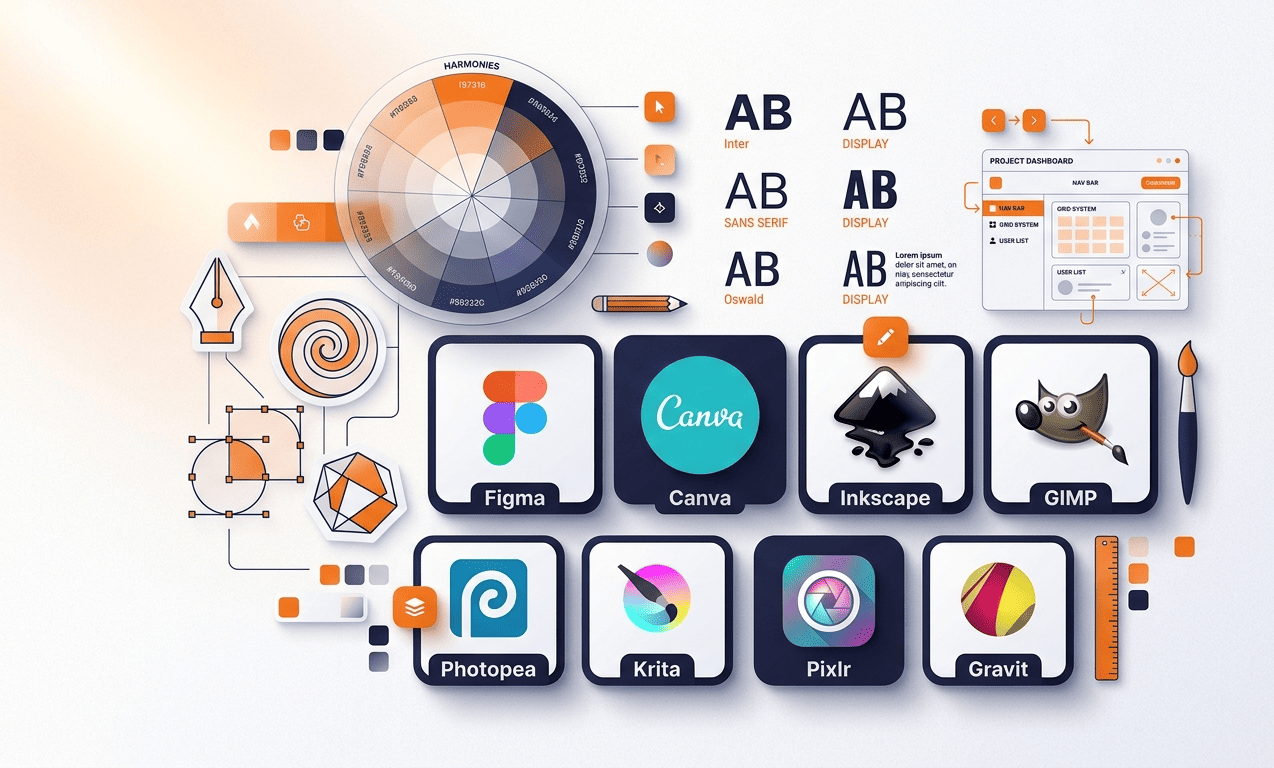
Canva Free
The go-to tool for quick social media graphics, presentations, and marketing materials. Canva’s free plan offers thousands of templates, drag-and-drop editing, and brand kit basics. Perfect for beginners and fast turnaround projects.
✓ 100% Free
✏️
Inkscape
The most powerful free alternative to Adobe Illustrator. Inkscape handles vector graphics, logo design, and illustration with professional-grade tools. Slightly steep learning curve but absolutely worth it for serious designers.
✓ 100% Free
🖼️
GIMP
GIMP is the free and open-source answer to Photoshop. It handles photo editing, retouching, and even digital painting. The interface looks dated but the feature set is surprisingly deep — and it’s completely free forever.
✓ 100% Free
UI/UX & Prototyping
⚡
Figma Free Plan
Figma’s free plan gives you 3 active projects, unlimited personal files, and access to the full design toolkit. It’s the industry standard for UI/UX design and prototyping. Real-time collaboration makes it unbeatable for team projects.
Free with limits
🔷
Penpot
Penpot is the open-source, self-hostable alternative to Figma with no paywalls. It supports SVG-based design, components, prototyping, and team collaboration — all for free. A rising star in the design community in 2025.
✓ 100% Free
Photo Editing & Enhancement
📷
Photopea
Photopea runs entirely in your browser and looks almost identical to Photoshop. It supports PSD, XCF, Sketch, and more. No installation needed — just open a tab and start designing. A lifesaver when you don’t have Photoshop installed.
✓ 100% Free
🌟
Remove.bg
Remove backgrounds from images in seconds with AI. The free plan gives you lower-resolution outputs but they’re still perfect for web use. Saves hours of manual masking work — especially useful for product photography and social media graphics.
Free with limits
Fonts & Color
🔤
Google Fonts
Over 1,400 free, open-source fonts available for commercial use. From elegant serifs to modern sans-serifs — Google Fonts has something for every project. Pairs perfectly with any design tool and loads instantly on websites.
✓ 100% Free
🎭
Coolors.co
Generate beautiful color palettes in seconds by pressing the spacebar. Coolors lets you lock colors you love and randomize the rest. Export palettes as CSS, SVG, or image files. Indispensable for any designer building a brand identity.
✓ 100% Free
Assets & Resources
🖼️
Unsplash & Pexels
Two of the best sources for free, high-resolution stock photos — all licensed for commercial use. Both platforms are updated daily with thousands of professional shots. No attribution required, no watermarks, completely free to download and use.
✓ 100% Free
⚡ Pro Designer Tip: You don’t need every tool on this list. Pick one tool from each category and master it completely. A designer who knows Figma and Canva deeply will always outperform someone who knows 10 tools poorly. Start with Canva + Figma + Photopea — that combination covers 90% of real-world design work.
Need Premium Design Assets?
Browse our curated collection of Photoshop templates, UI kits, Canva packs, and more on ItPathsala.